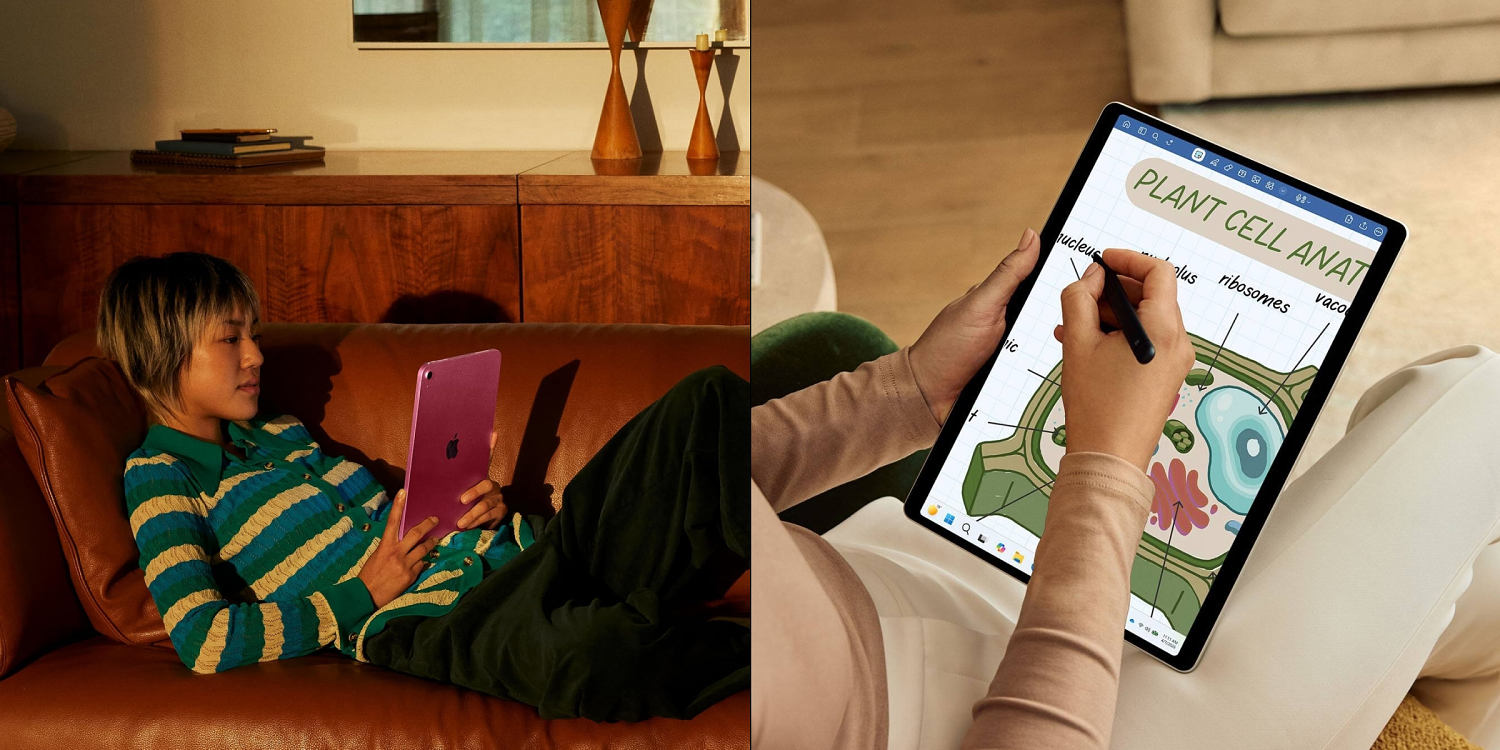
You do not need a twelve-hundred-dollar slab of aluminum to watch Netflix in bed, yet tech marketing tries convincing you otherwise every single day. Most buyers end up spending too much on overpowered mobile processors or failing to account for frustrating software limits that turn an expensive purchase into an oversized phone. Choosing the right tablet depends heavily on how you actually consume media, type notes, or manage daily tasks without getting bogged down by unnecessary specs.
Let us look at what actually matters when you scan the market for a dependable slate.
Stop Paying for Features You Will Never Touch
The biggest mistake shoppers make involves buying based on raw benchmark scores. An M-series chip or a high-end Snapdragon processor sounds impressive on paper, but if your daily routine consists of checking email, streaming YouTube videos, and reading articles, you will never push that hardware. Companies love to market professional-grade editing suites on mobile screens, ignoring the reality that most people hate editing 4K video on a touchscreen interface without a mouse.
Be honest about your use cases. If you want a casual couch companion, look at baseline displays and reliable battery life rather than peak brightness or refresh rates that only matter in direct sunlight.
The Operating System Trap
Your phone brand dictates your tablet experience more than any other single factor. Mixing ecosystems creates constant friction.
- Apple users should generally stick to iPadOS because cloud syncing, messaging, and file sharing work without a fuss.
- Android buyers get incredible value and hardware flexibility from brands like Samsung, though app optimization on larger screens can still feel secondary compared to Apple's ecosystem.
- Windows options exist for people who refuse to leave desktop environments, but running a full desktop OS on a touchscreen brings its own set of UI compromises.
If you carry an iPhone, buying an Android tablet means giving up text message mirroring and quick photo drops unless you rely on third-party cloud workarounds. Match your hardware to the pocket computer you already own.
Storage Realities No One Mentions
Base models always look cheap until you run out of room three months later. Operating systems take up massive chunks of space straight out of the box, and offline media downloads fill up low-end storage faster than expected.
Cloud storage helps, but monthly subscription fatigue adds up quickly. If you plan to download offline movie libraries or heavy gaming apps, bypass the entry-level configurations. For Android users, a simple microSD card slot solves this problem cheaply. Apple users do not have that luxury, meaning you must pay upfront for the tier you need because internal storage cannot be upgraded later.
Accessories Triple the Actual Cost
A tablet rarely functions as a true productivity machine by itself. Once you factor in a keyboard folio, a stylus for sketching or marking up PDFs, and a protective case, your modest four-hundred-dollar budget balloons rapidly.
Factor these add-ons into your initial calculations before clicking buy. A budget tablet paired with a great third-party keyboard often beats a luxury flagship that leaves you broke for accessories. Pick your hardware platform, account for the hidden gear costs, and buy only what fits your actual workflow.